Real Estate Website Accessibility Evidence Review: 7 Pages, 29 Verified Findings, and a Prioritized Remediation Roadmap
Auditzo completed an evidence-backed accessibility review of a Wix-built real estate website, combining automated candidate discovery with manual verification, technical evidence capture, and implementation-focused remediation guidance.
- 7 representative pages reviewed
- 29 verified accessibility findings
- Manual and automated review methods
- Prioritized remediation and retest roadmap
Executive Summary
Auditzo completed an ADA/WCAG-oriented technical accessibility evidence review for a Wix-built real estate website covering seven representative pages and several important user journeys.
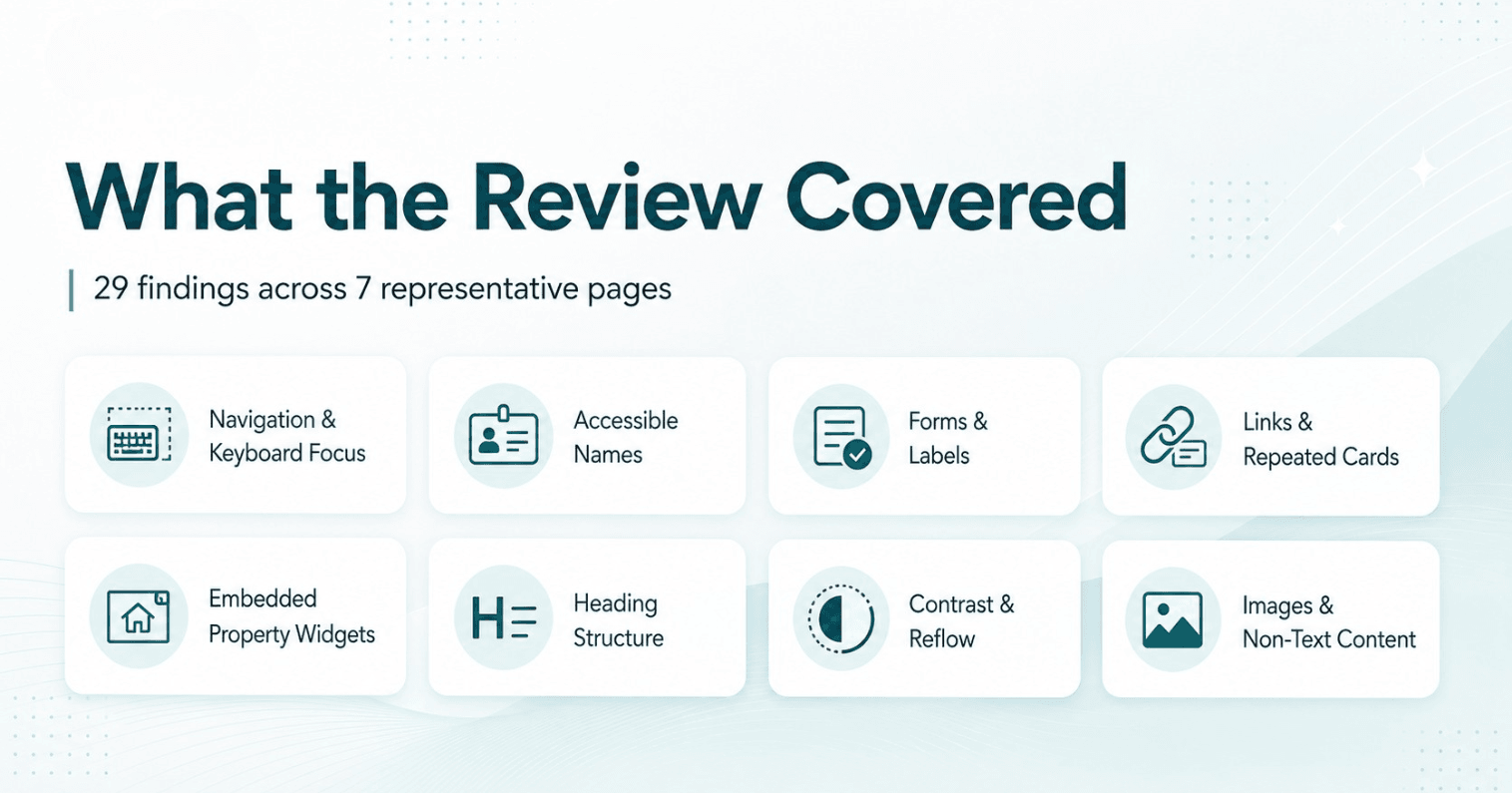
The review examined sitewide navigation, community and property content, inquiry forms, repeated links and cards, embedded property-listing functionality, heading structure, visual contrast, and responsive behaviour. Automated tools supported candidate discovery, but findings were included in the final report only after technical review and manual verification.
The completed engagement documented 29 verified accessibility findings, including issues involving accessible names, keyboard focus, persistent form labels, heading hierarchy, link purpose, embedded widgets, narrow-screen reflow, visual contrast, and non-text content.
Auditzo organized the findings by severity, user impact, recurrence, and remediation ownership. This helped distinguish between changes that could be addressed directly within Wix, shared template or component fixes, page-specific content issues, and third-party widget concerns requiring vendor coordination.
The website team received a detailed technical report, supporting evidence references, remediation guidance, a prioritized implementation roadmap, and recommended retesting steps. The engagement created a practical evidence base for planning accessibility improvements rather than relying on a scanner score alone.
This case study is based on a completed Auditzo client engagement. Client-identifying information and confidential evidence have been excluded, while the scope, methodology, finding count, and deliverable structure reflect the actual work performed.
If your organization manages a property, builder, brokerage, or listing website, Auditzo also offers a dedicated real estate website accessibility audit focused on WCAG-oriented findings, evidence, remediation ownership, and retest priorities.
Project Snapshot
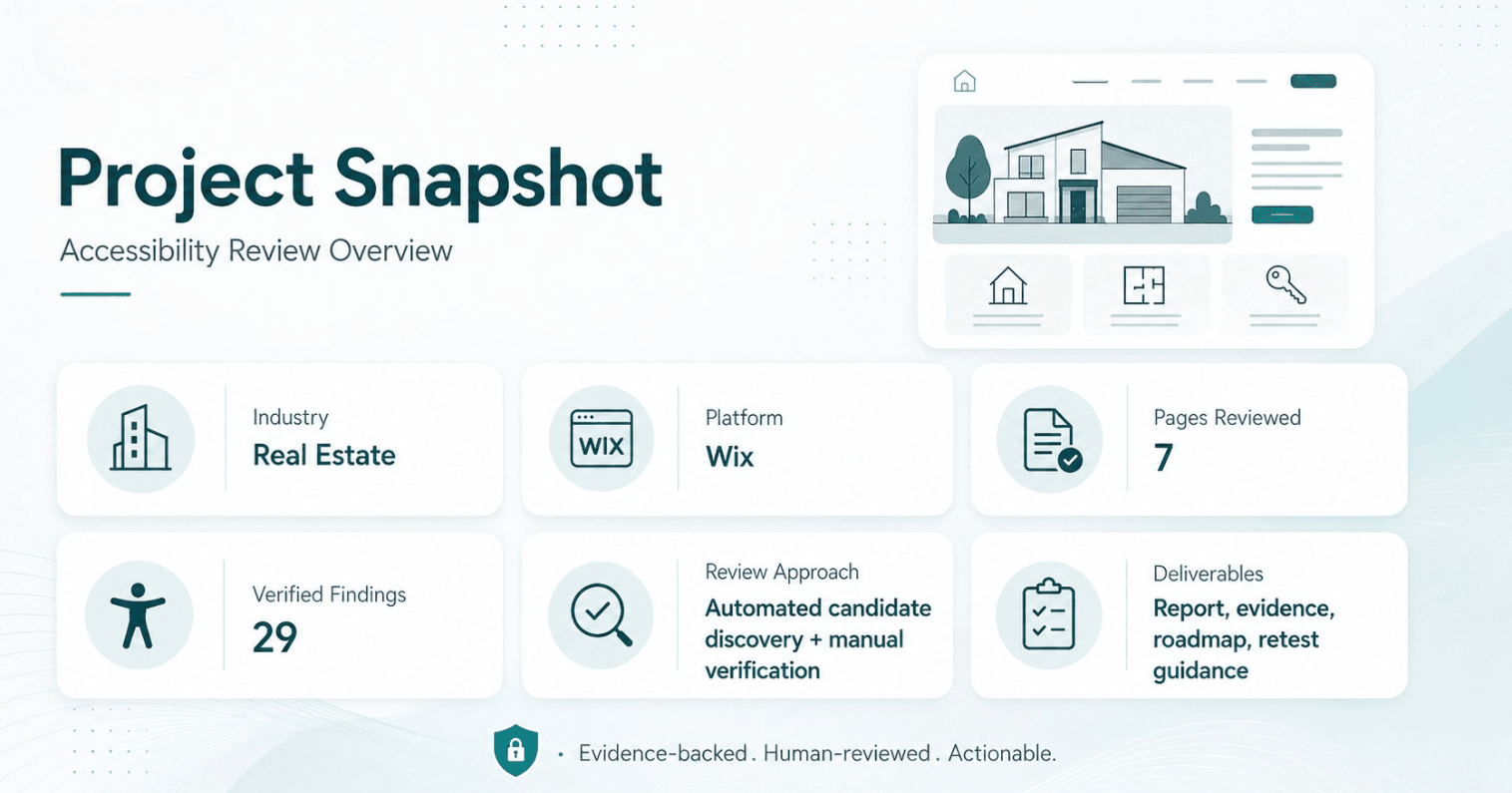
| Review detail | Scope |
|---|---|
| Industry | Real estate and residential property |
| Website platform | Wix |
| Pages reviewed | 7 representative pages |
| Verified findings | 29 |
| Review approach | Automated candidate discovery with manual verification |
| Testing areas | Keyboard navigation, accessible names, forms, headings, links, contrast, responsive behaviour, embedded widgets and frames |
| Deliverables | Technical report, supporting evidence, remediation roadmap and retest guidance |
The Challenge
The website combined several common real estate user journeys and technologies:
- sitewide navigation;
- community and property pages;
- property listing functionality;
- inquiry and registration forms;
- repeated cards and calls to action;
- downloadable resources;
- embedded third-party widgets and frames;
- desktop and mobile layouts.
The website team needed more than a generic accessibility score.
They needed to understand:
- which issues had been technically verified;
- where those issues appeared;
- how they could affect users;
- which findings were repeated across the website;
- which fixes could be made directly in Wix;
- which issues involved third-party property-listing tools;
- what should be addressed first;
- how fixes should be validated after implementation.
This required a structured ADA/WCAG website accessibility audit rather than a scanner-only report.
For teams using Wix, Auditzo also provides a dedicated Wix accessibility audit path focused on platform-specific review areas, remediation ownership, third-party widgets, and retesting priorities.
What Auditzo Reviewed
Auditzo selected seven representative pages covering the website’s main templates, shared components, forms, property-related content, and embedded listing functionality.
The review included:
- keyboard navigation and focus behaviour;
- accessible names for buttons, links, images, and controls;
- heading hierarchy and page semantics;
- visible and programmatic form labels;
- repeated property cards and action links;
- iframe titles and embedded widget controls;
- responsive reflow at narrow viewport widths;
- visual contrast and link identification;
- shared header, footer, and navigation patterns.
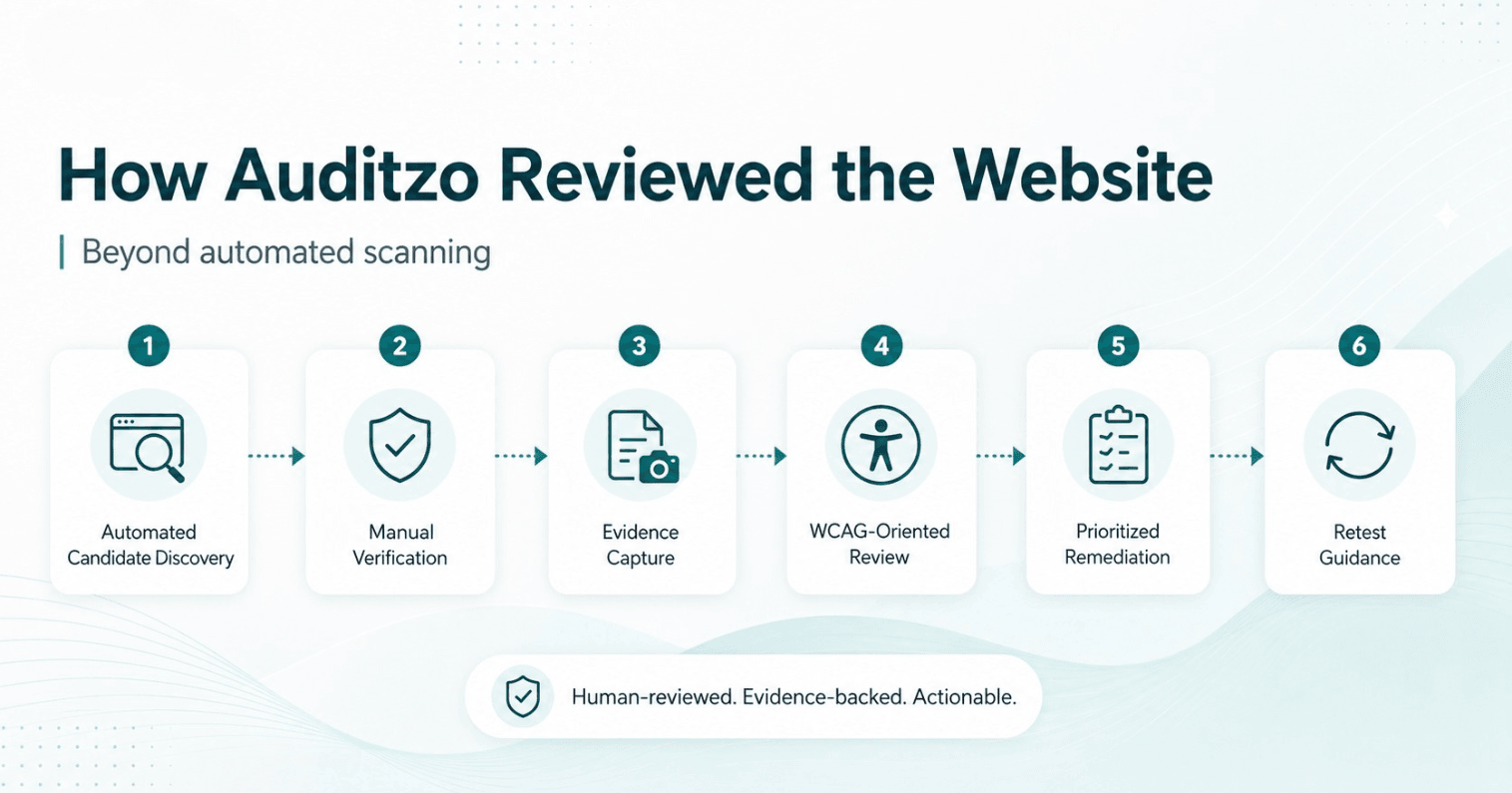
Automated accessibility tools were used to identify potential issues efficiently. However, automated output was treated as a source of candidates, not as confirmed client findings.
Each reportable issue required contextual review, manual verification, relevant evidence, and conservative WCAG-oriented mapping.
Why Automated Scanning Was Not Enough
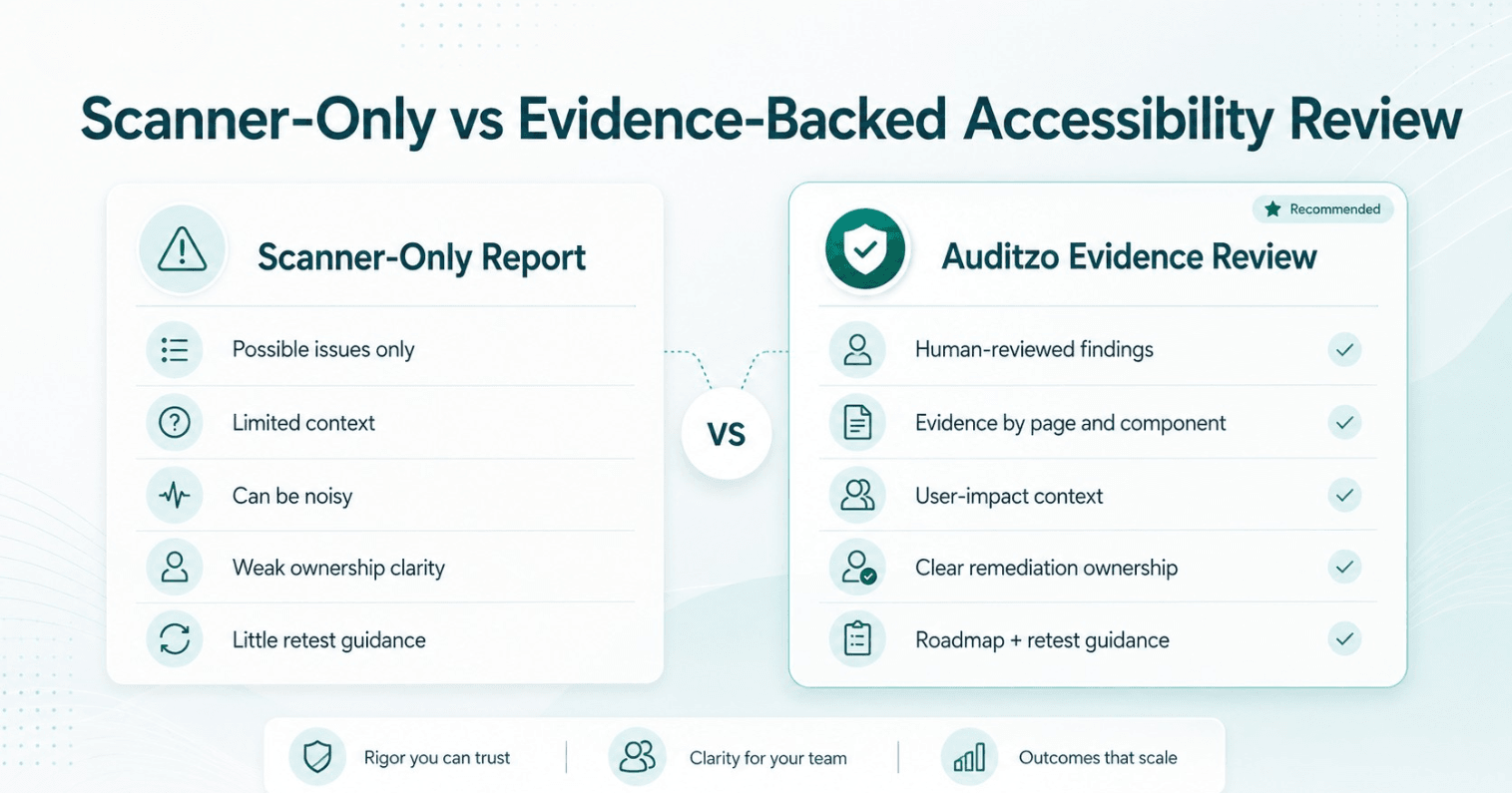
Automated accessibility tools can identify missing attributes, contrast concerns, heading issues, and form-related candidates. They are useful, but they cannot fully explain real user impact or remediation ownership.
This is why Auditzo separates candidate discovery from confirmed findings. Our guide on accessibility scanner vs manual audit explains that distinction in more detail.
For a quick automated first look at your own public webpage, you can also run Auditzo's free website accessibility scanner. The automated result is a starting point and should not be treated as a substitute for human verification or a complete WCAG/ADA determination.
For example, an automated scanner may not determine:
- whether a mobile menu communicates its purpose clearly;
- where keyboard focus moves after a submenu closes;
- whether an icon-only property control makes sense to a screen-reader user;
- whether users can reach an embedded widget action using the natural Tab sequence;
- whether repeated "View More" links make sense outside their visual cards;
- whether a form remains understandable after placeholder text disappears;
- whether the issue is controlled by Wix or by an external vendor.
Auditzo therefore combined automated candidate discovery with manual keyboard review, semantic inspection, accessible-name checks, responsive testing, assistive-technology-oriented observations, and evidence capture.
This approach is also reflected in the Auditzo sample ADA/WCAG accessibility evidence report.
Representative Accessibility Findings
The full client report contained 29 verified findings. The following examples demonstrate three important remediation situations:
- a website-controlled navigation issue;
- a conversion-critical form issue;
- a third-party property-widget concern.
1. Mobile Navigation Control Without a Meaningful Accessible Name
Priority: High
Area: Navigation and accessible names
A mobile navigation control did not expose a sufficiently meaningful accessible name to assistive technology.
The control was visually recognizable as part of the navigation, but its programmatic information did not communicate its purpose clearly enough for users relying on a screen reader.
Why it mattered: The main navigation is a critical website journey. When the menu control is unclear, users may struggle to discover or access other parts of the website.
Remediation direction:
- provide a meaningful accessible name;
- communicate the expanded or collapsed state where relevant;
- verify full keyboard operation;
- maintain visible and predictable focus;
- retest using assistive-technology-oriented checks.
2. Required Form Fields Using Placeholder-Only Labels
Priority: High
Area: Forms and instructions
A required form relied on placeholder text without persistent visible labels for several inputs.
Because placeholder text disappears when the user begins typing, the field purpose or expected information may no longer remain visible.
Why it mattered: Forms are a conversion-critical part of a real estate website. Contact requests, realtor registrations, service inquiries, and lead-generation forms must remain understandable throughout the interaction.
Placeholder-only patterns may create barriers for users with visual, cognitive, memory, or assistive-technology needs.
Remediation direction:
- adding visible, persistent labels;
- programmatically associating labels with their inputs;
- communicating required-field status clearly;
- avoiding placeholders as the only form instruction;
- verifying error identification and correction during retesting.
No live form submission was performed during the review.
3. Accessibility Concerns Within an Embedded Property-Listing Widget
Priority: High-priority and supporting Medium findings
Area: Third-party widgets and frames
The embedded property-listing experience contained several accessibility concerns, including generic frame naming, unclear icon-only controls, repeated property-link names, and controls that were not reached through the expected natural keyboard path.
Why it mattered: Property search and listing functionality is central to a real estate website.
If these controls are difficult to understand or reach, users may struggle to:
- browse available properties;
- open property details;
- understand listing actions;
- share or save a listing;
- continue into an inquiry journey.
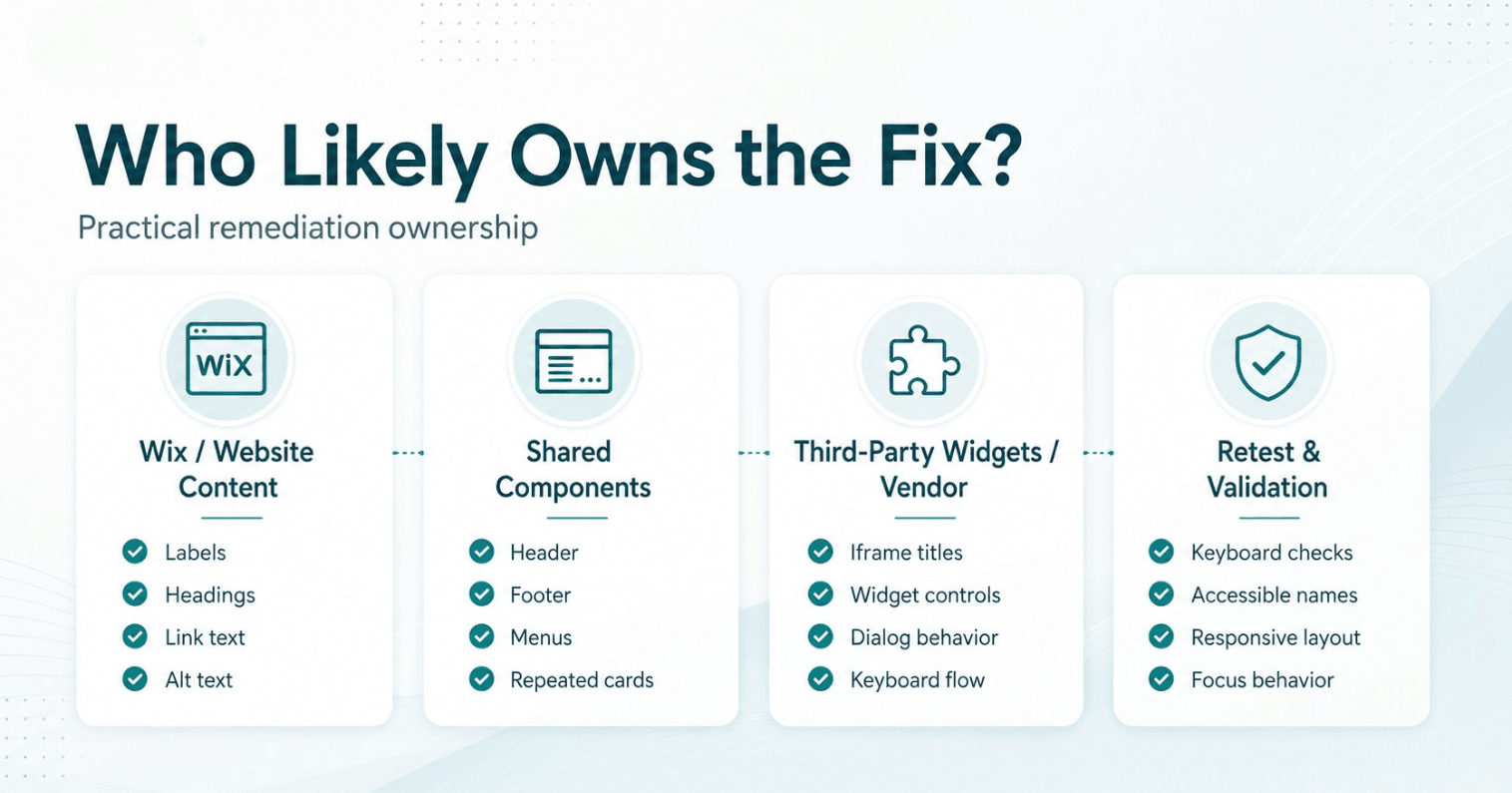
Auditzo separated the recommendations by remediation ownership.
Website-controlled actions included:
- improving iframe titles where configurable;
- adding clearer surrounding headings and instructions;
- reviewing embed settings;
- providing accessible alternative contact paths.
Vendor-controlled actions included:
- improving widget control names;
- correcting keyboard-navigation behaviour;
- reviewing dialog title relationships;
- removing restrictive zoom settings;
- coordinating unresolved issues with the widget provider.
This distinction prevented the website team from being asked to modify code that was outside its control.
How the Findings Were Prioritized
The 29 findings were not presented as a flat checklist.
Auditzo organized them into practical remediation workstreams.
Priority 1: Important user journeys
Navigation, forms, inquiry paths, key controls, and accessible names for essential interactions.
Priority 2: Shared templates and reusable components
Header, footer, menus, repeated cards, shared links, and other components where one fix could improve multiple pages.
Priority 3: Third-party widgets and vendor dependencies
Property-listing tools, frames, embedded controls, and issues requiring vendor coordination or an accessible alternative path.
Priority 4: Page structure, visual accessibility, and responsive behaviour
Heading hierarchy, contrast, alternative text, link presentation, narrow-screen reflow, and content structure.
Priority 5: Retesting
Verification that implemented fixes:
- addressed the original issue;
- remained keyboard-accessible;
- exposed meaningful names and states;
- worked at narrow viewport widths;
- did not introduce new accessibility problems.
For teams that need help implementing and validating fixes, Auditzo also provides accessibility remediation support.
What the Website Team Received
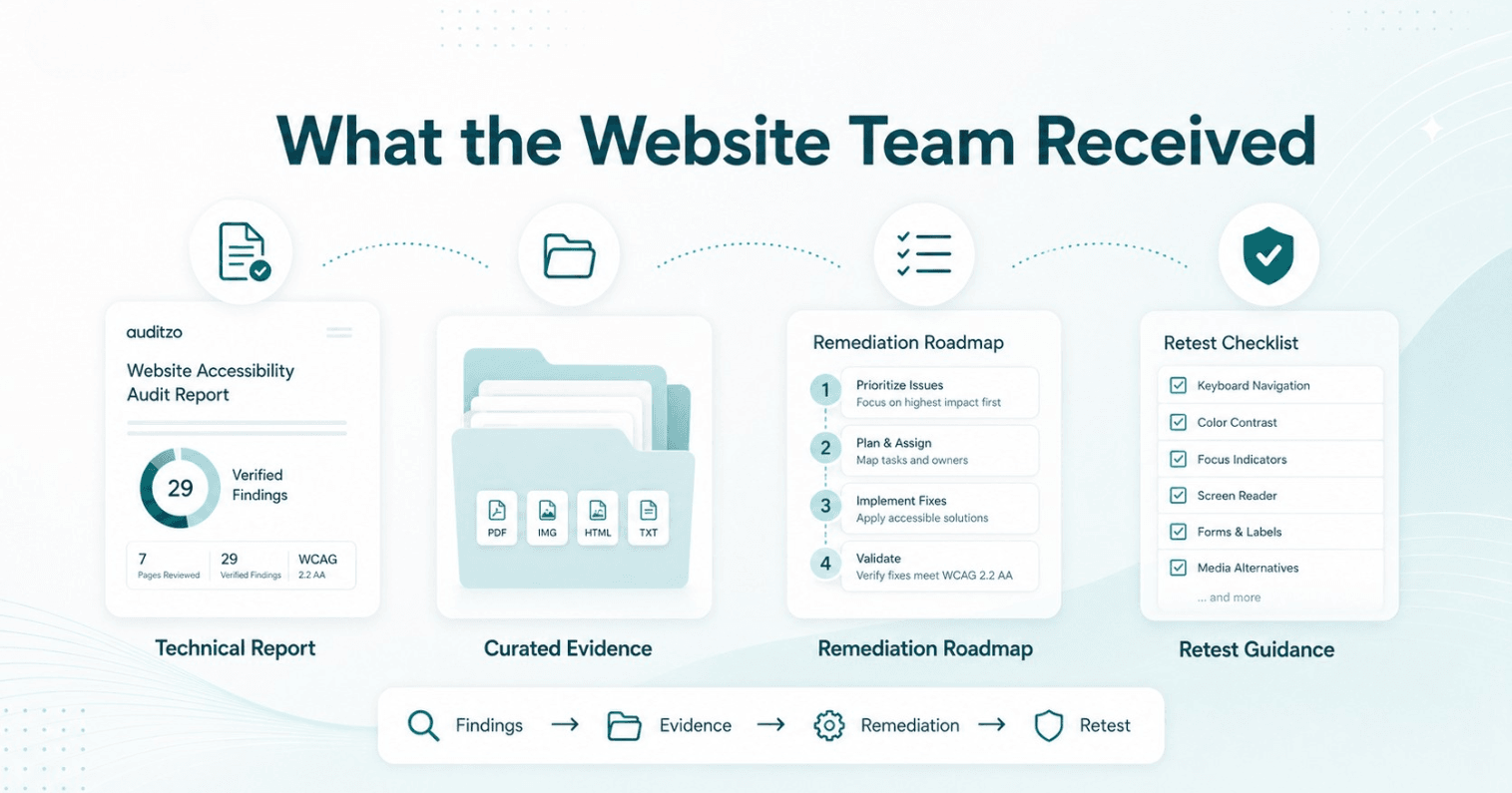
The completed engagement included:
- an executive summary;
- review scope and methodology;
- severity-based finding summaries;
- 29 detailed verified findings;
- affected page and component context;
- WCAG-oriented technical references;
- supporting screenshots and evidence references;
- remediation guidance;
- shared remediation themes;
- a prioritized implementation roadmap;
- a high-priority retest checklist;
- a curated supporting evidence package.
Teams that want to understand this type of deliverable before requesting a review can also view our accessibility evidence package example.
Each detailed finding was structured to answer practical implementation questions:
- What is the issue?
- Where does it appear?
- What was observed?
- Why might it affect users?
- What evidence supports the finding?
- Which remediation path is recommended?
- Who likely controls the fix?
- How should the change be retested?
The report distinguished between Wix-controlled changes, sitewide component fixes, page-specific content issues, custom implementation considerations, and third-party vendor dependencies.
The Practical Outcome
The website team received a clear technical evidence base and an actionable starting point for remediation.
Instead of receiving only a scanner score or a large list of unverified warnings, the team could understand:
- which findings had been verified;
- which issues affected important user journeys;
- which fixes could improve multiple pages;
- which items were controlled by the website;
- which findings depended on external vendors;
- what should be addressed first;
- how the changes should be retested.
The engagement did not claim that every issue had already been corrected or that the website had become legally compliant.
Its value was in giving the website team verified findings, supporting evidence, remediation ownership, technical guidance, and a practical priority order.
What This Demonstrates About Auditzo
Auditzo does not simply export automated accessibility scanner results.
Our technical accessibility evidence reviews are designed to:
- verify findings before reporting them;
- assess issues in their real page and component context;
- capture supporting technical evidence;
- distinguish website-controlled issues from vendor-controlled issues;
- provide usable remediation guidance;
- organize findings by severity and implementation impact;
- support retesting after fixes.
Although this engagement involved a Wix-built real estate website, the same methodology can be applied to WordPress, Shopify, Webflow, SaaS platforms, and custom-built websites.
The platform changes how an issue may be fixed. It does not remove the need for human verification, supporting evidence, and practical remediation guidance.
Need a similar WCAG-oriented review for your own real estate website? Start with our real estate accessibility review service page.
Need This Level of Accessibility Review for Your Website?
Auditzo provides ADA/WCAG-oriented technical accessibility evidence reviews for websites across Wix, WordPress, Shopify, Webflow, custom platforms, and third-party integrations.
If your website is built on Wix, you can also review our Wix accessibility audit service page for platform-specific review scope and remediation guidance.
A review can cover representative pages, navigation, forms, links, embedded widgets, responsive behaviour, accessible names, page structure, and other critical user journeys.
The result is a verified findings report with supporting evidence, remediation guidance, prioritization, and retest recommendations.
Request an Accessibility Evidence Review
Run a Free Accessibility Scan | View the Sample ADA/WCAG Accessibility Evidence Report
Important Scope Note
Auditzo provides technical accessibility observations, supporting evidence, and remediation-oriented guidance.
The review is not legal advice, ADA certification, WCAG certification, or a guarantee of legal or technical compliance. Legal interpretation should be handled by qualified legal counsel.
Frequently Asked Questions
Is this case study based on a real client engagement?
Yes. This case study is based on a completed Auditzo accessibility review for a real estate website. Client-identifying information and confidential evidence have been excluded, while the scope, methodology, finding count, and deliverable structure reflect the actual engagement.
How many pages and findings were included?
Auditzo reviewed seven representative pages and documented 29 confirmed, human-reviewed technical accessibility findings.
Was the review limited to automated accessibility testing?
No. Automated tools supported candidate discovery, but the engagement also included manual verification, keyboard review, accessible-name and semantic inspection, responsive testing, assistive-technology-oriented checks, and evidence capture.
What types of accessibility issues were reviewed?
The review covered navigation, keyboard focus, accessible names, forms, heading structure, link purpose, contrast, responsive reflow, images, frames, and third-party property-listing widgets.
Was the website built on Wix?
Yes. Wix was the platform used in this engagement. However, the same types of accessibility issues can appear on WordPress, Shopify, Webflow, SaaS platforms, and custom-built websites.
Did Auditzo certify the website as ADA or WCAG compliant?
No. Auditzo provides technical accessibility evidence reviews and remediation-oriented guidance. The work is not legal advice, ADA certification, WCAG certification, or a guarantee of compliance.
Can Auditzo assist with remediation and retesting?
Yes. Auditzo can provide accessibility remediation support, implementation guidance, and technical retesting after changes have been made.
Table of Contents
- Project Snapshot
- The Challenge
- What Auditzo Reviewed
- Why Automated Scanning Was Not Enough
- Representative Accessibility Findings
- How the Findings Were Prioritized
- What the Website Team Received
- The Practical Outcome
- What This Demonstrates About Auditzo
- Need This Level of Accessibility Review for Your Website?
- Important Scope Note
- Frequently Asked Questions